Wii Modding Guide Updates
For my contribution, I made an update to the “official” Wii modding guide! (“Official” because I’m not quite sure how official any modding guide can truly be, but this is considered to be the correct guide to follow throughout the community.) This is the guide that you’re meant to follow if you decide you want your Wii to be extra cool, and you can find it at wii.hacks.guide. The GitHub repository can be found here.
I have been involved in the Wii modding scene for a number of years now. I grew up with a Wii as my primary means of playing video games, so I’ve always been pretty fond of it. When I discovered that you could mod it and do even more with it (like connecting to modern revivals of the long-dead online services!), I thought that was the coolest thing ever and modded mine immediately. Over the pandemic, I got even more invested because I had a lot of time on my hands, and with stuff like the Nintendo Gigaleak happening, we suddenly knew even more about the console than we did before. This kicked me off on a whole journey of trying to mess with the Wii’s software myself, and actually lead to the birth of my personal blog with “Enabling the Hidden Wii DVD Icon Part 1” back in 2021.
There is a lot of additional context between that story and now that explains how I got as involved in the community as I have, and I recently summarized a lot of that story in “The History of libWiiPy, WiiPy, and NUSGet” on my blog, which is not required reading for this but hey I wouldn’t mind if you did read it.
Getting Involved
When it came to getting involved, I’ve kind of been getting myself involved over the last couple of years. To give a really brief TL;DR of my history blog post, I identified some ancient Windows-only PC tools that were used for modifying the proprietary file formats used on the Wii that all dated to ~2009 and decided that I was going to replace them. My method of getting involved was essentially just making something new and good and waiting for people to show up, and hey it may have taken a little while but it worked! In January of this year, the Wii guide switched over from telling people to use “NUS Downloader”, one of these ancient Windows-only tools, to my program NUSGet, which is much more modern and also cross platform. The simplest way to explain what these tools do is that they download content from Nintendo’s update servers. This addition, however, was not my doing and was done by someone else who thought that NUSGet was worthy of taking NUS Downloader’s place in the guide. I got involved for my contribution by identifying some concerns with the way that they instructed people to use my program, and making corrections.
The Issue
The main issue I identified was a pretty simple one. In NUSGet v1.4.3, the latest version at the time that someone added NUSGet into the guide, there wasn’t a button in the UI to open the folder that it downloaded stuff to. The default directory is ~/Downloads/NUSGet Downloads/, and the person adding it to the guide made the interesting decision of having people set a custom output directory instead of instructing them how to open the default one. I thought this was strange, and so I added a button to the UI in v1.5.0 that opens the default download directory in your default file manager to make things easier.
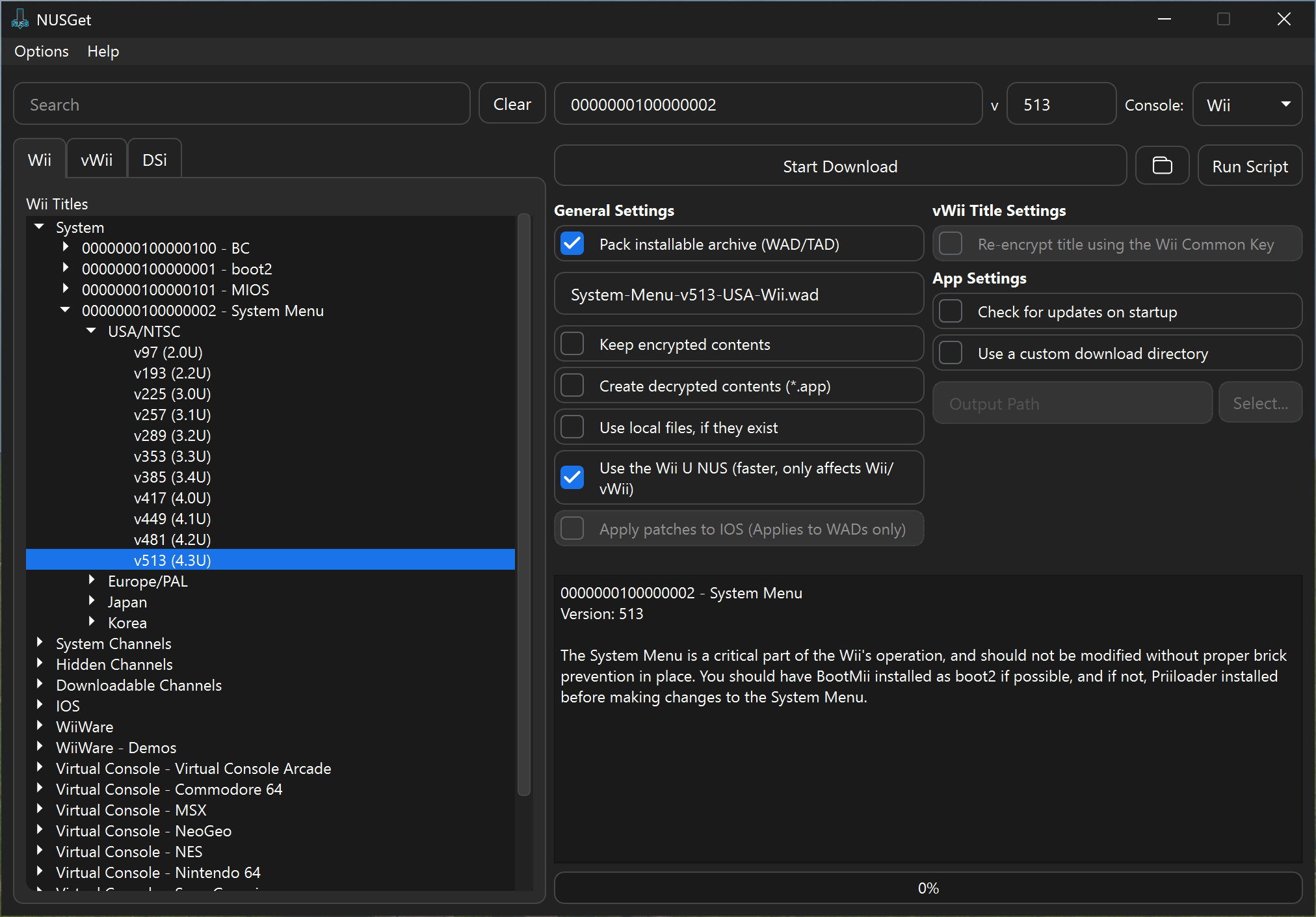
Given that it had been a couple of months since I added it and the guide was still the same, I decided I should go and simplify things so that people wouldn’t get confused over the directions to change the output directory every time they were instructed to download something. I adapted every page that had you use NUSGet to no longer have the extra step to change the output, and to instead just tell you to press the little folder button. I also went and updated every screenshot so that they would actually be of v1.5.0 and have the folder button, like so:
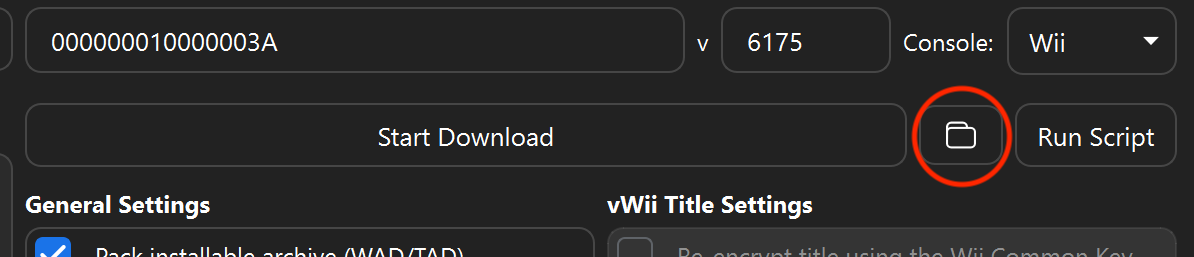
I also went and added a closeup screenshot with a circle just so that nobody could get confused when the guide said to press the folder button to open the output directory:
Merging it In
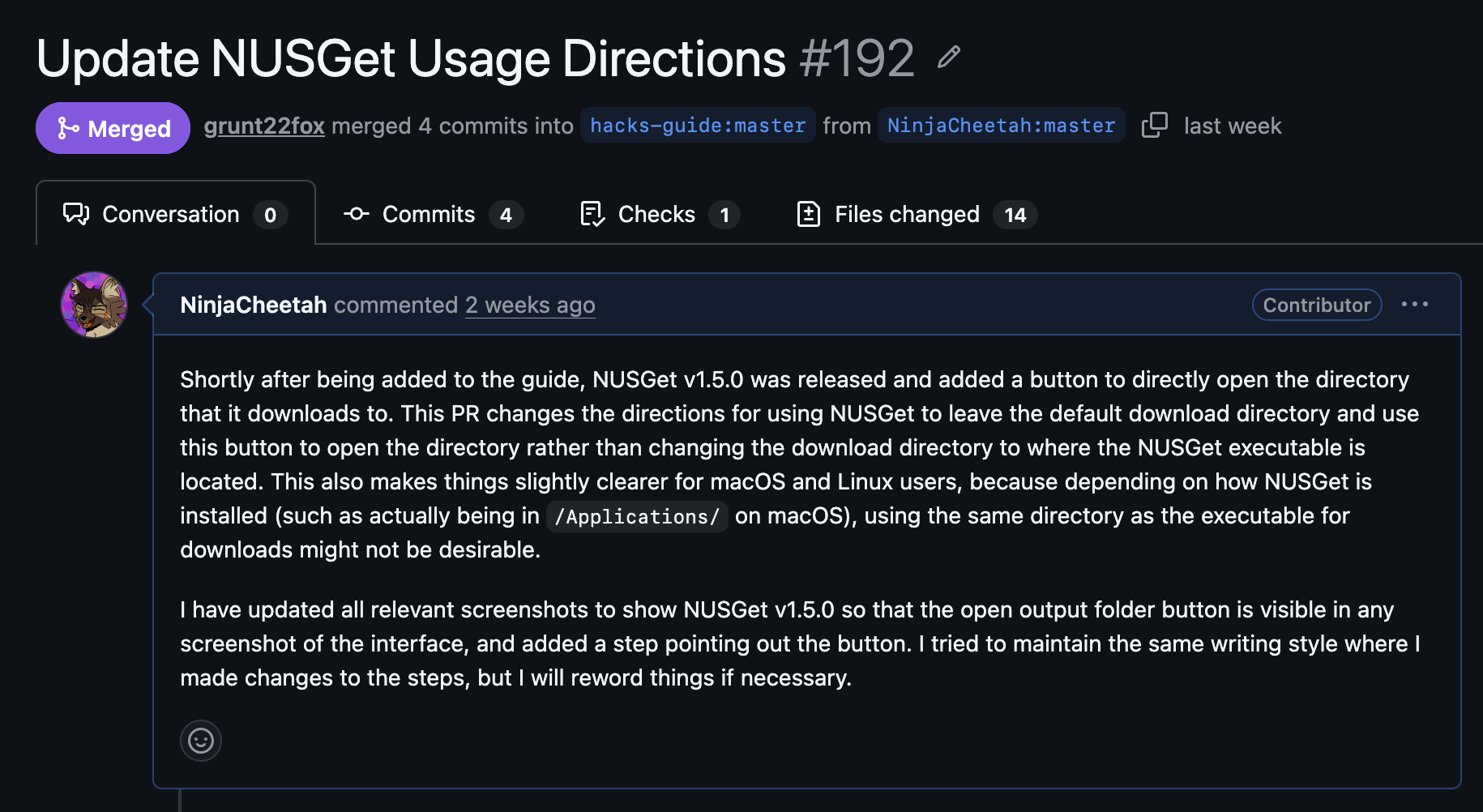
Actually getting it merged was pretty simple. I just opened a new PR on the repo:
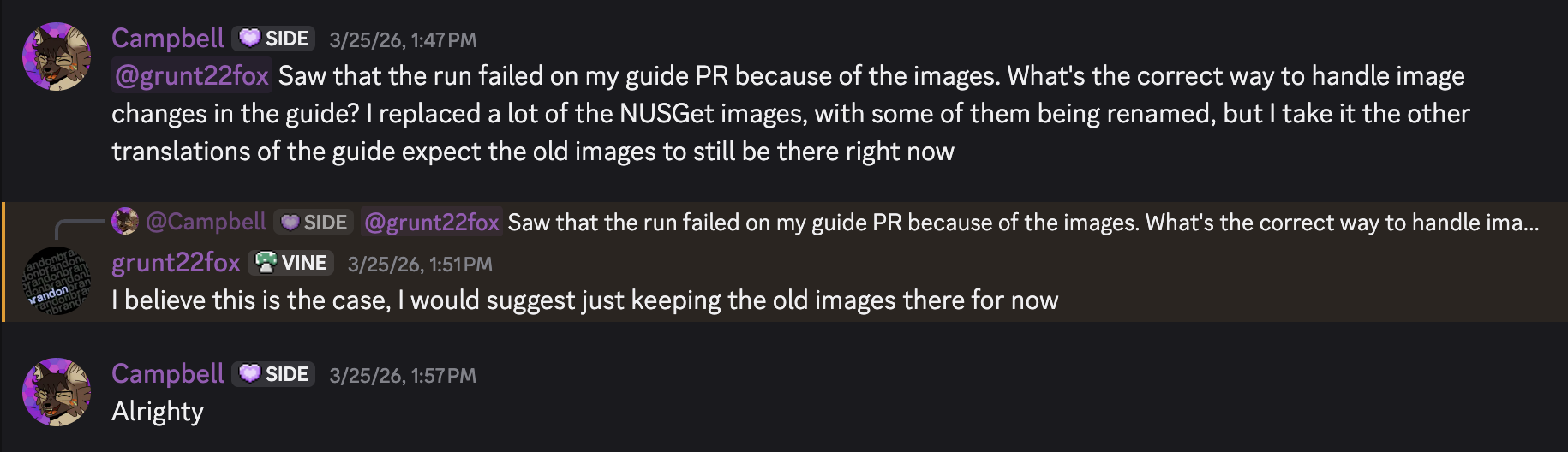
And waited a couple of days for a maintainer to get around to looking at it and merging it. I did also mildly break the site so that it wasn’t building, because I deleted some old screenshots that weren’t in use anymore and apparently that breaks things when the translations aren’t updated since the non-English versions of the guide still expect the old images. Whoops.
Once that was sorted, my PR was merged! Hooray!
If you want to see exactly where my contributions are in the guide, you can see my screenshots and updated directions here on the cIOS page. Just make sure to start from the beginning if you’re actually modding your Wii :)